Digital learning tools have transformed how teachers and students interact in the classroom, and Blooket has become one of the most popular platforms in the U.S. for game-based learning. At the center of this experience is the Blooket Host, the person responsible for launching games, managing settings, and guiding participants through interactive sessions. Whether you’re a teacher, tutor, or educator experimenting with gamification, understanding the full range of Blooket Host features can significantly improve engagement and learning outcomes. This article offers a deep, practical breakdown of Blooket Host game modes, controls, and settings, helping you confidently run smooth, effective sessions.
What Does a Blooket Host Do?
A Blooket Host is the organizer and controller of a live or assigned game session. This role goes beyond simply clicking “host.” The host selects question sets, chooses game modes, customizes settings, monitors progress, and ensures the experience remains productive and fair. In classroom environments, the host typically manages pacing and engagement, while in remote or homework-based sessions, they set rules that guide independent play. Understanding the host’s responsibilities helps educators use Blooket as a structured learning tool rather than just a game.
Overview of Blooket Game Modes
One of the most powerful features available to a Blooket Host is the variety of game modes. Each mode uses the same question sets but applies different mechanics to keep students motivated. Popular modes like Gold Quest, Tower Defense, and Café introduce competition and strategy, while classic modes focus more on accuracy and speed. As a host, selecting the right game mode depends on learning goals—review sessions may benefit from competitive modes, while formative assessments often work better with calmer, individual-focused options.
Live Game Hosting vs Assigned Games
Blooket Host features differ depending on whether the game is hosted live or assigned for independent completion. Live hosting allows real-time interaction, instant feedback, and dynamic pacing controlled by the host. Assigned games, on the other hand, are ideal for homework or asynchronous learning. Hosts can set deadlines, time limits, and question repetition rules. This flexibility makes Blooket valuable for both in-person classrooms and virtual learning environments, especially in U.S. schools that use blended learning models.
Host Controls During Gameplay
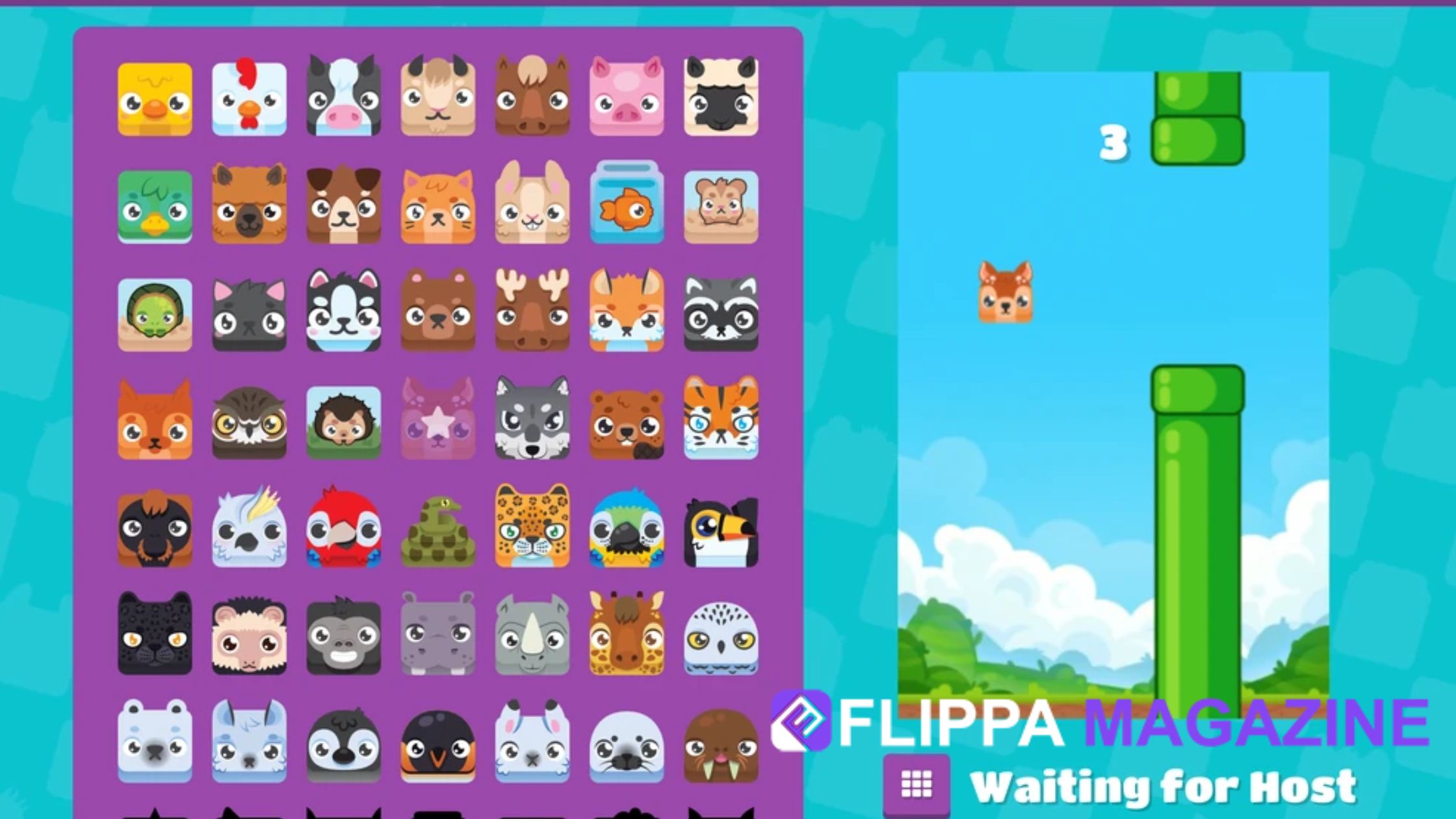
Once a game begins, the Blooket Host dashboard becomes the command center. Hosts can pause the game, end sessions early, or remove players if needed. These controls are especially useful in classroom management situations, allowing teachers to address distractions or technical issues without disrupting learning. Real-time monitoring also helps hosts spot students who may be struggling, providing opportunities for intervention or clarification before moving forward.
Customizing Game Settings for Learning Goals
Blooket Host settings allow a high level of customization. Hosts can adjust time limits, question randomization, answer visibility, and point mechanics depending on the game mode. These settings help align gameplay with instructional objectives. For example, disabling power-ups may reduce randomness for assessment-focused sessions, while enabling them can increase excitement during review games. Thoughtful customization ensures that fun never overshadows learning.
Question Set Management and Selection
A Blooket Host can choose from pre-made question sets, create original content, or import sets from other educators. This flexibility supports curriculum alignment and grade-level appropriateness. Hosts can preview questions before launching games, ensuring accuracy and relevance. In U.S. classrooms, this feature is particularly useful for aligning Blooket sessions with state standards or district pacing guides, making the platform both engaging and academically sound.
Player Access and Game Codes
One of the simplest yet most critical Blooket Host features is managing player access. Hosts generate unique game codes that students use to join sessions. These codes prevent unauthorized access and keep games organized. For younger students, hosts can enable nicknames or restrict name changes to maintain a respectful environment. Managing access effectively contributes to classroom safety and trust, which are key components of effective digital learning.
Monitoring Progress and Performance
Blooket provides hosts with live data during and after gameplay. Hosts can view leaderboards, individual scores, and question accuracy rates. This information is valuable for informal assessment and reflection. Teachers can identify patterns, such as commonly missed questions, and adjust future instruction accordingly. These analytics help position the Blooket Host as an informed facilitator rather than a passive observer.
Classroom Management and Fair Play Tools
Maintaining fairness is essential, especially in competitive environments. Blooket Host controls help prevent cheating by randomizing questions and answers. Hosts can also limit retries or control power-up usage. These features support integrity and ensure that results reflect actual understanding. For U.S. educators focused on equitable learning, these tools help create balanced and inclusive experiences for all students.
Technical Requirements and Compatibility
Blooket is browser-based, making it accessible on most devices used in U.S. schools, including Chromebooks, laptops, and tablets. A stable internet connection is the primary requirement for hosts and players. Hosts should test games beforehand to ensure smooth performance. Understanding technical limitations helps prevent disruptions and builds confidence when hosting larger groups or school-wide events.
Tips for Becoming an Effective Blooket Host
Experience plays a major role in hosting successful Blooket sessions. Effective hosts plan ahead, select appropriate game modes, and communicate expectations clearly. They balance competition with encouragement and use performance data to inform instruction. Over time, hosts develop an intuitive sense of which settings work best for different groups. This expertise transforms Blooket from a novelty into a meaningful educational strategy.
Using Blooket Host for Formative Assessment

One often overlooked advantage of the Blooket Host role is its effectiveness for formative assessment. Instead of relying solely on quizzes or worksheets, hosts can use live games to gauge student understanding in real time. The instant feedback loop allows educators to see which concepts are well understood and which need reinforcement. Because students are more relaxed in a game-based environment, their responses often reflect genuine comprehension rather than test anxiety, making the data more reliable for instructional decisions.
Differentiation and Inclusive Learning Support
Blooket Host settings also support differentiated instruction, which is especially important in diverse U.S. classrooms. Hosts can select question sets that vary in difficulty or assign games individually rather than live. This flexibility allows educators to support students with learning differences, English language learners, or those who need extra practice. By adjusting pacing and difficulty, hosts create inclusive experiences that encourage participation from all learners without singling anyone out.
Encouraging Collaboration and Student Engagement
Beyond competition, a skilled Blooket Host can foster collaboration and positive classroom culture. Hosts can organize small-group sessions, rotate game modes, and encourage discussion after each round. These strategies turn gameplay into a shared learning experience rather than a solo activity. When students feel involved and supported, engagement increases, and the game becomes a tool for building teamwork and communication skills alongside academic knowledge.
Data-Driven Instruction After Hosting Games
After a game ends, the Blooket Host can review performance data to guide future lessons. Reports showing accuracy rates and question trends help identify learning gaps quickly. Teachers can revisit missed questions, clarify misconceptions, or design follow-up activities based on actual student performance. This data-driven approach strengthens instructional planning and demonstrates how Blooket supports meaningful learning outcomes beyond entertainment.
Building Confidence as a Blooket Host Over Time
Like any digital teaching tool, confidence with Blooket Host features grows with experience. New hosts may start with default settings, but over time they learn how to fine-tune controls, select the best game modes, and anticipate student behavior. This growth reflects professional expertise and adaptability. As hosts become more comfortable, Blooket becomes a seamless part of instruction rather than a separate activity, reinforcing trust and consistency in the classroom.
Conclusion
The Blooket Host role is far more than launching a game—it’s about shaping a learning experience that blends fun, structure, and educational value. By understanding game modes, mastering host controls, and customizing settings thoughtfully, educators can maximize engagement while maintaining academic focus. For U.S. teachers navigating modern classrooms, Blooket Host features offer flexibility, insight, and control. When used intentionally, Blooket becomes a powerful tool that supports both learning and motivation.
Frequently Asked Questions (FAQs)
1. What is a Blooket Host and why is it important?
A Blooket Host is the person who creates and manages a game session. The host controls settings, monitors players, and ensures the game aligns with learning goals. This role is important because it transforms Blooket from a casual game into a structured educational experience.
2. Can students be Blooket Hosts or only teachers?
While teachers commonly act as Blooket Hosts, students can also host games if permitted. This is useful for peer-led reviews or group activities. However, teacher oversight is recommended to maintain focus and appropriate settings.
3. What are the best Blooket game modes for classroom learning?
Modes like Tower Defense and Classic are popular for learning-focused sessions, while Gold Quest and Café are ideal for review and engagement. The best mode depends on lesson objectives, student age, and classroom dynamics.
4. How does a Blooket Host prevent cheating during games?
Hosts can randomize questions and answers, limit retries, and monitor gameplay in real time. These features help maintain fairness and ensure that scores reflect genuine understanding.
5. Is Blooket suitable for remote or homework-based learning?
Yes, Blooket Host features support assigned games that students can complete independently. Hosts can set deadlines and track performance, making Blooket effective for both in-class and remote learning environments.
FOR MORE : FLIPPAMAGAZINE